
Slide Masters & Layouts
Customize slide backgrounds and define reusable layouts with placeholders.
Slide Masters
A slide master defines the default background for slides:
typescript
const pptx = new Presentation();
pptx.defineSlideMaster({ name: 'Corporate', background: '003366' });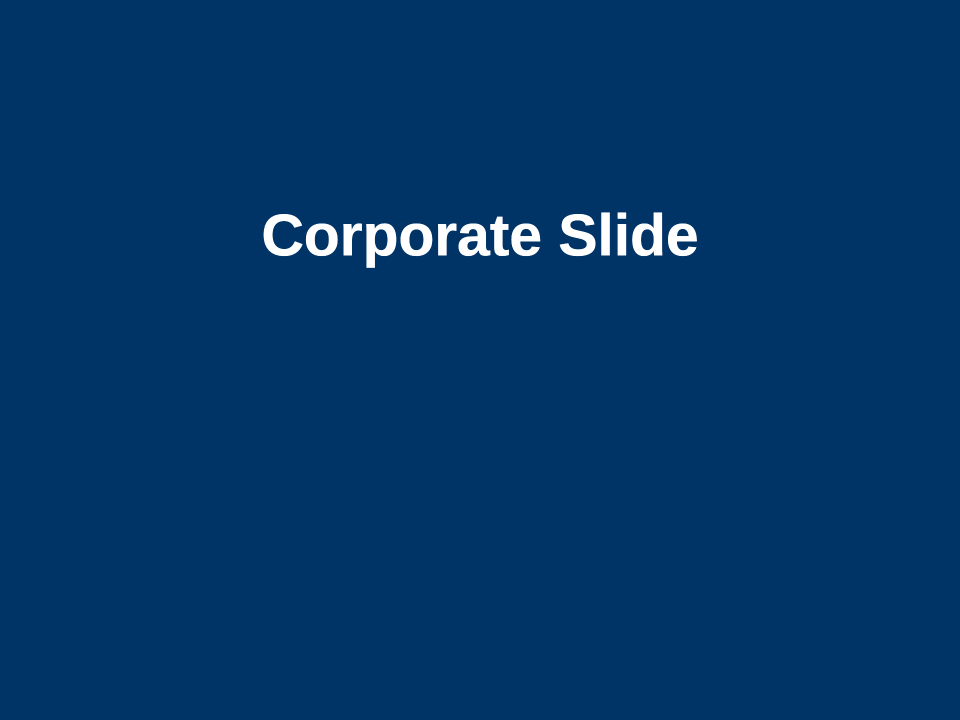
Custom Layouts
Define layouts with typed placeholders:
typescript
pptx.defineLayout({
  name: 'Title and Content',
  type: 'titleAndContent',
  placeholders: [
    { type: 'title', placement: { x: 0.5, y: 0.5, w: 9, h: 1 }, idx: 0 },
    { type: 'body', placement: { x: 0.5, y: 2, w: 9, h: 5 }, idx: 1 },
  ],
});
Using a Layout
typescript
const slide = pptx.addSlide('Title and Content');
slide.addText('My Title', { x: 0.5, y: 0.5, w: 9, h: 1 });
Built-in Layouts
The library includes these presets: blank, title, titleAndContent, sectionHeader, twoContent.
Placeholder Types
title, body, ctrTitle, subTitle, dt, ftr, sldNum
The idx property is the zero-based placeholder index that PowerPoint uses to match content to the correct placeholder shape. Title is typically 0, body is 1. These indices must be unique within a layout.
Built-in Layouts
You can import the built-in layout definitions:
typescript
import { builtinLayouts } from 'pptx-craft';This gives you access to the preset layouts: blank, title, titleAndContent, sectionHeader, twoContent.
Speaker Notes
typescript
slide.setNotes('These are my speaker notes for this slide.');