
Text
Add text to slides with full control over formatting.
Basic Text
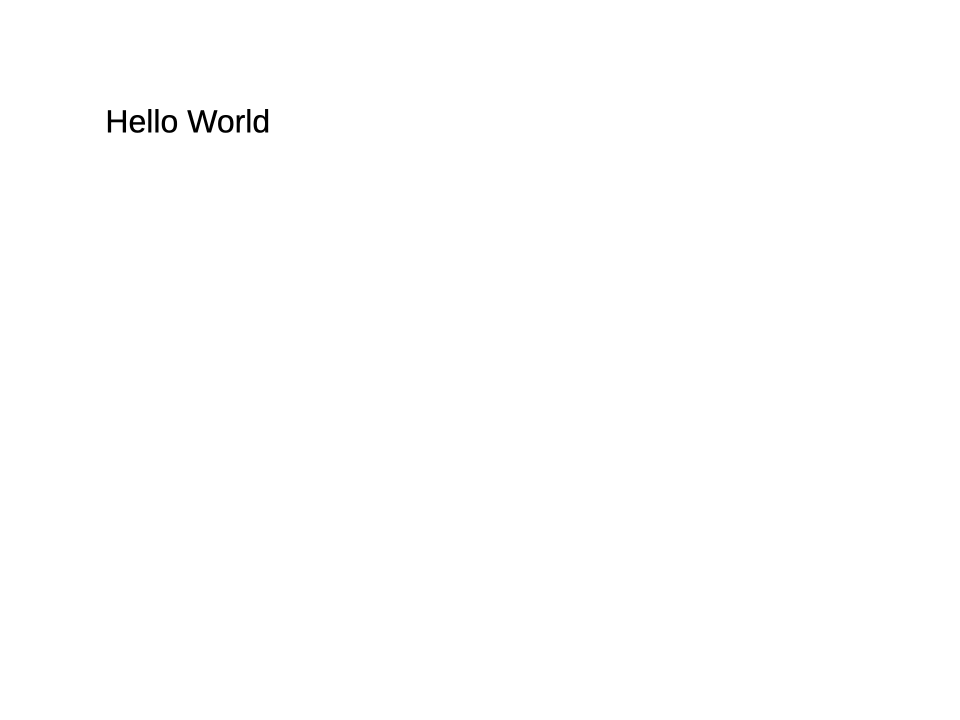
typescript
slide.addText('Hello World', {
  x: 1, y: 1, w: 8, h: 1.5,
  fontSize: 24,
});
Formatting Options
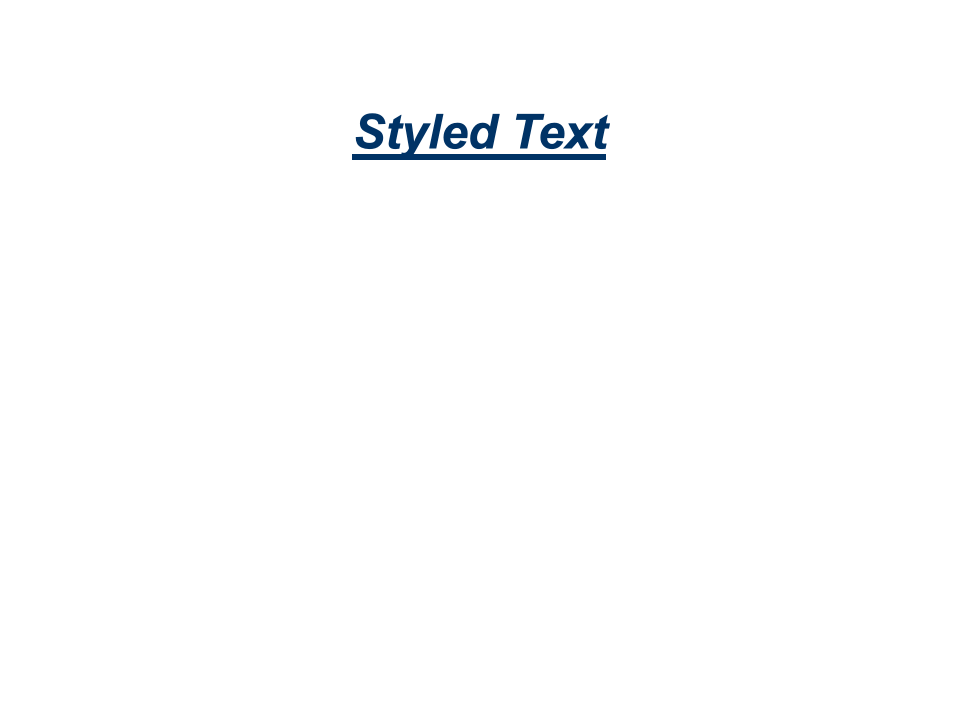
typescript
slide.addText('Styled Text', {
  x: 1, y: 1, w: 8, h: 1,
  fontSize: 36,
  fontFace: 'Arial',
  color: '003366',
  bold: true,
  italic: true,
  underline: true,
  align: 'center',
});
Paragraph Options
typescript
slide.addText('Spaced text', {
  x: 1, y: 1, w: 8, h: 2,
  lineSpacing: { value: 150, unit: 'pct' },
  spaceBefore: { value: 10, unit: 'pt' },
  spaceAfter: { value: 10, unit: 'pt' },
  align: 'justify',
});lineSpacing, spaceBefore, and spaceAfter accept either a plain number (treated as the value) or an object { value, unit } where unit is 'pt' (points) or 'pct' (percentage).
Multi-line Text
Newlines in the text string create separate paragraphs:
typescript
slide.addText('Line 1\nLine 2\nLine 3', {
  x: 1, y: 1, w: 8, h: 3,
  fontSize: 18,
});
Bullets & Numbering
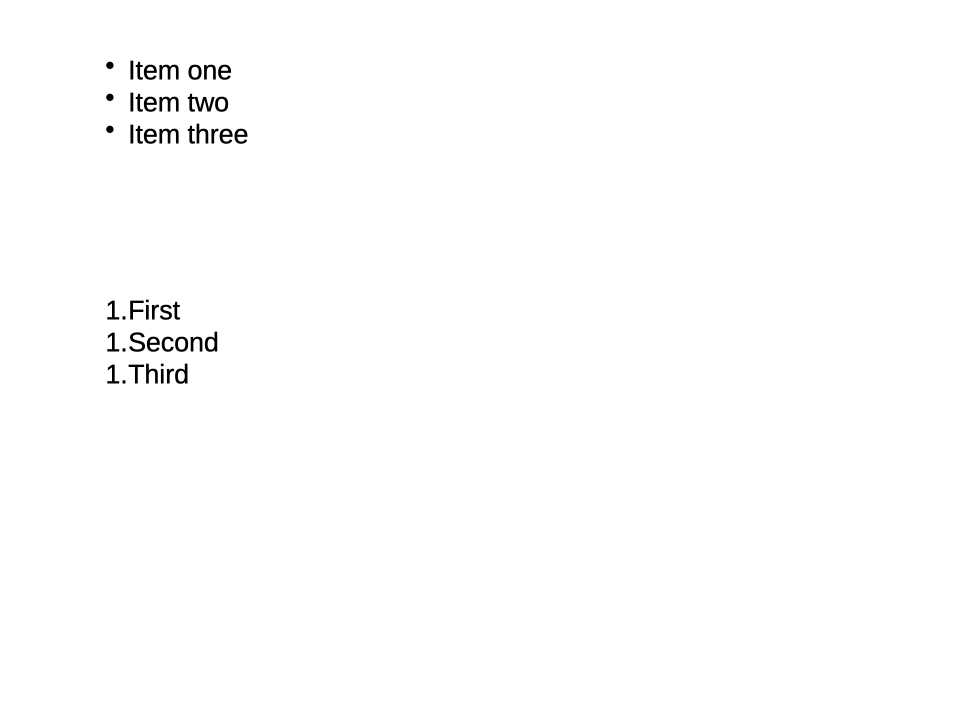
typescript
slide.addText('Item one\nItem two\nItem three', {
  x: 1, y: 1, w: 8, h: 2,
  bullet: true,
});

slide.addText('First\nSecond\nThird', {
  x: 1, y: 4, w: 8, h: 2,
  numbering: { type: 'arabicPeriod', startAt: 1 },
});
Custom bullet characters:
typescript
slide.addText('Custom bullet', {
  x: 1, y: 1, w: 8, h: 1,
  bullet: { char: '–', color: '4472C4', size: 100 },
});
Vertical Alignment & Text Direction
typescript
slide.addText('Centered vertically', {
  x: 1, y: 1, w: 4, h: 3,
  verticalAlign: 'middle',
  fill: 'F0F0F0',
});

slide.addText('Vertical text', {
  x: 6, y: 1, w: 1, h: 3,
  textDirection: 'vert',
});
Text Body Options
typescript
slide.addText('Auto-shrinking text that fits its container', {
  x: 1, y: 1, w: 4, h: 1,
  autoFit: 'shrink',
  margin: { top: 5, right: 10, bottom: 5, left: 10 },
});| Option | Description |
|---|---|
autoFit | true, 'shrink', or 'none' — controls text overflow |
wordWrap | Enable/disable word wrapping |
margin | Inner padding { top, right, bottom, left } in points |
columns | Number of text columns |
columnSpacing | Space between columns in points |
Options Reference
| Option | Type | Description |
|---|---|---|
x, y | number | Position in inches |
w, h | number | Size in inches |
fontSize | number | Font size in points |
fontFace | string | Font family name |
color | Color | Text color (hex string or color object) |
bold | boolean | Bold text |
italic | boolean | Italic text |
underline | boolean | Underlined text |
strikethrough | boolean | 'single' | 'double' | Strikethrough |
align | string | 'left', 'center', 'right', 'justify' |
verticalAlign | string | 'top', 'middle', 'bottom' |
lineSpacing | number | { value, unit } | Line spacing |
spaceBefore | number | { value, unit } | Space before paragraph |
spaceAfter | number | { value, unit } | Space after paragraph |
fill | Fill | Text box background |
line | LineProperties | Text box border |
hyperlink | HyperlinkProperties | Make text a link |
See TextOptions for the full reference.